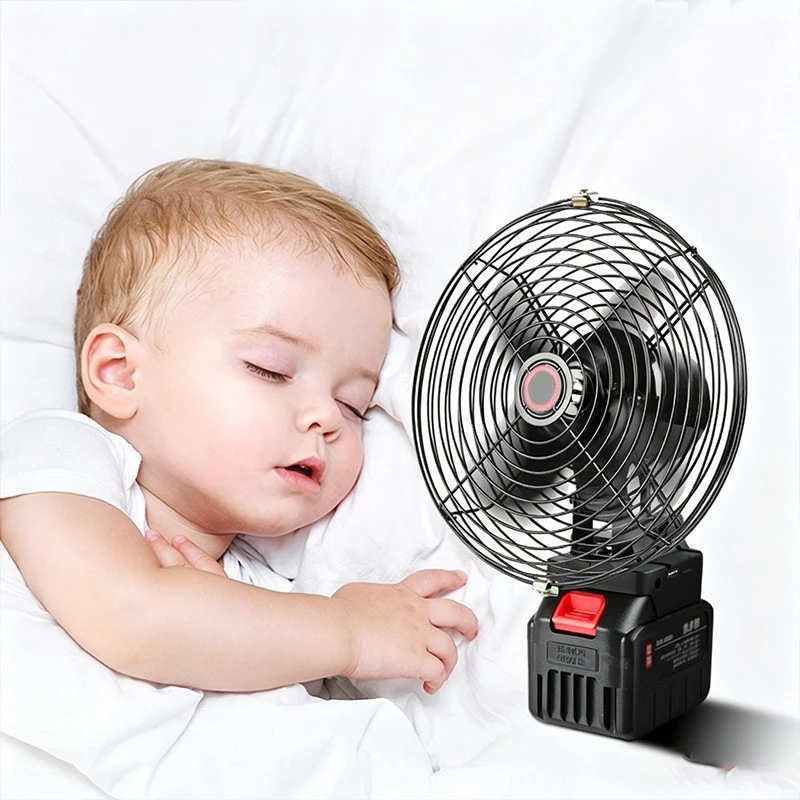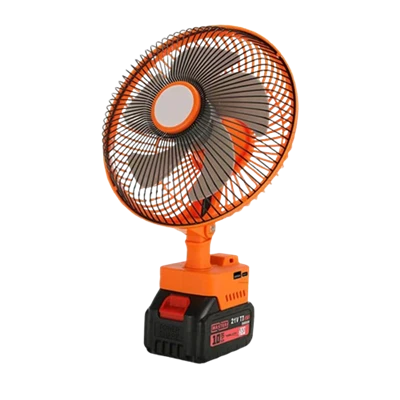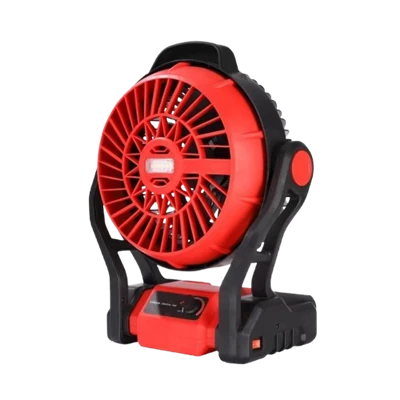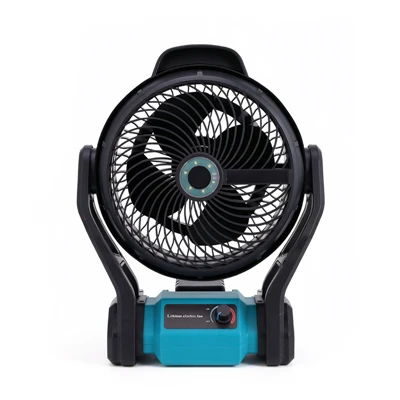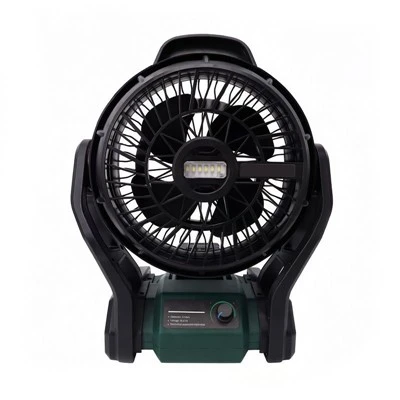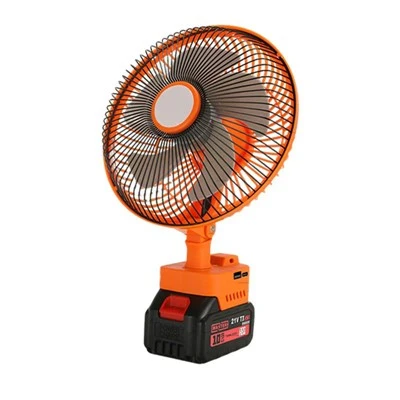

It can be used directly by plugging it in, but specific usage depends on the product design and instruction manual.
Most small rechargeable fans support both plug-in charging and simultaneous charging and use. These products are usually equipped with a lithium battery and a USB port, such as fans from brands like Xiaomi and Midea. When plugged in, they can both charge and run. If you are unsure whether your device supports this, you can quickly determine it using two methods: Check the interface (most with a Type-C or Micro-USB interface are supported) and perform a test (plug it in and press the switch to see if it starts).
Notes during use: The plug must match the power rating. Use the original adapter first to avoid overloading the motherboard with a fast charger.
Continuous plugging in will slightly shorten the lithium battery's cycle life. It is recommended to disconnect the power after fully charging.
Some budget-friendly, off-brand fans may lack circuit protection; it is not recommended to plug these products in for extended periods.
Currently, most new products on the market use intelligent chip control technology, such as the Ruiwu LF5 series and Jisu F8 models. These automatically disconnect the charging circuit after the battery is fully charged, ensuring safety and extending battery life. If it is an early purchase of a rechargeable fan, it is recommended to limit continuous plugging in to within 4 hours to avoid overheating and expansion of the lithium battery.